
Unity Asset Store
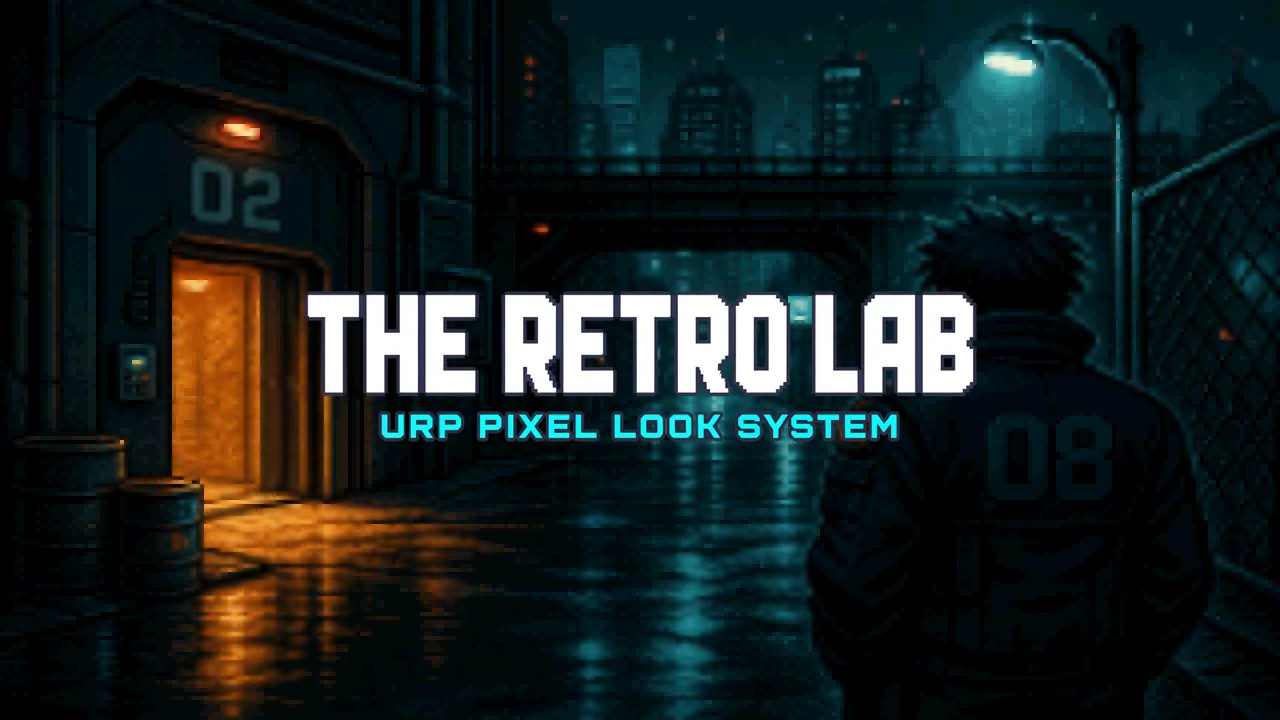
The Retro Lab
Overview
Most “retro” packs on the Store are one fullscreen filter. Scanlines on top of a modern scene. Which makes the world, muddy or dirty looking. That is not how those machines looked.
"The Retro Lab" is the other thing.
It is a "URP hardware look system". Click NES and you get NES texel size, the NES colour table, and a 256×240-style grid. Click PlayStation and the vertices start wobbling like a real PS1. Click Sega CD and the picture can go washed and soft like FMV on a living-room TV — if you want that. Click Off and it stays clean.
The pixels lock to the mesh. Control / Walk a character in your level or move the camera, the texels stay put. That is the whole point. You are not smearing a post effect over a 3D game and hoping it reads as 8-bit.
Then, separately, you can turn on the TV / CRT FX for additional retro polish.
CRT is the tube: scanlines, curve, phosphor, chroma split, vignette, rolling bar.
Screen FX is the signal and the cart: FMV wash, composite smear, RF grain, dusty-cart snow, flicker, and the occasional sync hitch. Optional. Off by default. Each chip writes its own amounts. Tweak them via the CRT settings on the Scene Master game object.
This is a Lab series pack. Same idea as The Shader Lab and the rest of the family: inspectors that are clean, well documented and easy to understand, tools that do the heavy lifting, a Setup Checker, and a User Guide in the editor.
This is not a full screen FX system, this is the proper way to retro-ize your game!
Hardware first.
Fifty-plus looks across consoles, handhelds, computers, arcade boards, and 3D machines. Fixed palettes where the chip had a colour table (NES, C64, Game Boy, SG-1000…). Bit depth where the hardware worked that way (SNES 15-bit, Genesis 9-bit, and so on). Raster modes for Pixel Lock, PlayStation, Super FX, and Nintendo 64.
Pixels that stay put.
Object lock on characters. World lock on floors / terrains. UV lock on painted backdrops. Packed density for the objects in your world. Accurate density when you want the machine’s real texel size. Locked vs Unlocked screen pixels when you want mesh texels or a sprite-style framebuffer. Locked, the pixels do not move, unlocked they do. The power of choice is yours to command.
The TV / CRT FX are optional.
CRT and Screen FX live on Pixel Retro Grade shader, but the Scene Master turns them on or off. Hardware chips write the values to all of the materials / models in your scene. You can still tune scanlines, wash, snow, and glitch without touching the palette.
One click for the whole scene.
Scene Master drives every Retro Lab material in the scene. User Presets save a full look and you can bring it back later with a single click!
Tools and wizards
The Retro Lab is so much more! It's a COMPLETE system, Jam packed with tools to make your retro game come to life!
- URP Setup Checker - Depth Texture, renderer feature, Grade Volume. Red items have a Fix button.
- Scene Master - one component for the scene. Hardware chips, CRT, Screen FX, density, outline, rim, lighting.
- Retroize Materials - turn existing URP Lit / Simple Lit / Unlit materials into Pixel Retro Lit and keep the maps.
- Character Setup Wizard - convert a character, set lock and lighting, get the backlight rim in one pass.
- Rim Light Wizard - tag the light that actually drives rim. Not “a glow slider and a prayer.”
- Character Controller Wizard - Third Person, Side Scroll, or First Person, with a camera and optional character audio.
- Palette Wizard - custom colour strips and lighting ramps.
- Surface Setup Wizard - Foliage, Water Pool, Water Flow, Terrain (including a Unity Terrain and grass base).
- Cartoon Skybox Generator - palette-aware cubemap skies from optional PNGs.
- Foliage Generator - billboard, cross, or cluster prefabs from PNG stamps.
- Pixel Particle Wizard - explosions, hits, splash, fire, smoke. Squares, your sprites, or a flipbook. Glow, noise, trails, collision, hardware colour.
- Starter Materials - a ready set so you are not staring at a blank material on day one.
- In-editor User Guide - Guide button on the inspectors. Not a PDF you lose.
Surfaces included
Pixel Retro Lit (URP Lit drop-in, with same texture slots) · Unlit · Foliage · Terrain · Skybox · Water · Water Flow · Decals · Wireframe · FX · Pixel Particles, just because it's retro why not leverage the modern FX??
Pixel outline is a real one-square ring on the hardware grid, not a smooth toon like hull (YUCK). Rim lighting is a separate backlight edge driven by tagged lights. Which is used in modern pixel type games. Imagine a spotlight that shines on your character, his rim / silhouette becomes lit, matching the color of the light shining and only on parts of the mesh the light hits.
Hardware looks
Modern Pixel
Modern Pixel · Modern Toon · Modern Chunky (full colour, no forced palette)
Consoles
NES · Super Nintendo · Sega Master System · Sega Genesis · TurboGrafx-16 · Neo Geo AES · Atari 2600 · ColecoVision · Intellivision · Sega CD · TurboGrafx-CD · Neo Geo CD · Sega SG-1000
Handhelds
Game Boy · Game Boy Pocket · Game Boy Color · Game Boy Advance · Sega Game Gear · Virtual Boy · Atari Lynx · Neo Geo Pocket Color · WonderSwan Color · Nintendo DS
Computers
Apple IIe · Commodore 64 · VIC-20 · Amiga · ZX Spectrum · BBC Micro · MSX · IBM PCjr / CGA · EGA · VGA · Macintosh · Atari ST · Amstrad CPC · PC-98 · Sharp X68000
Arcade
Capcom CPS1 · Namco Arcade
3D Hardware
PlayStation · Super FX (Star Fox) · Sega 32X · Nintendo 64 · Sega Saturn · 3DO · Atari Jaguar · Sega Dreamcast - Emulating the hardware's poly gone systems.
Click a chip in the Scene Master, the materials update. Optional CRT and Screen FX are setup with it.
Packed vs Accurate density for pixels are also on Scene Master. Get the perfect look you want with EASE and then save it as a preset to use again later!
Requirements
- Unity 2021.3 LTS or newer (including Unity 6)
- URP only (Built-in / HDRP not supported)
- Depth Texture on the URP asset for Grade, fog, and water foam
Support
Lab series pack. Open the User Guide from Tools → The Retro Lab → User Guide, or hit Guide on any Retro Lab inspector. Run the Setup Checker before you send a ticket - a lot of “this preset / grade does nothing” is because the URP Depth Texture setting is off.